
NOTICE BOARD
& ANNOUNCEMENTS FOR YOUR TEAM
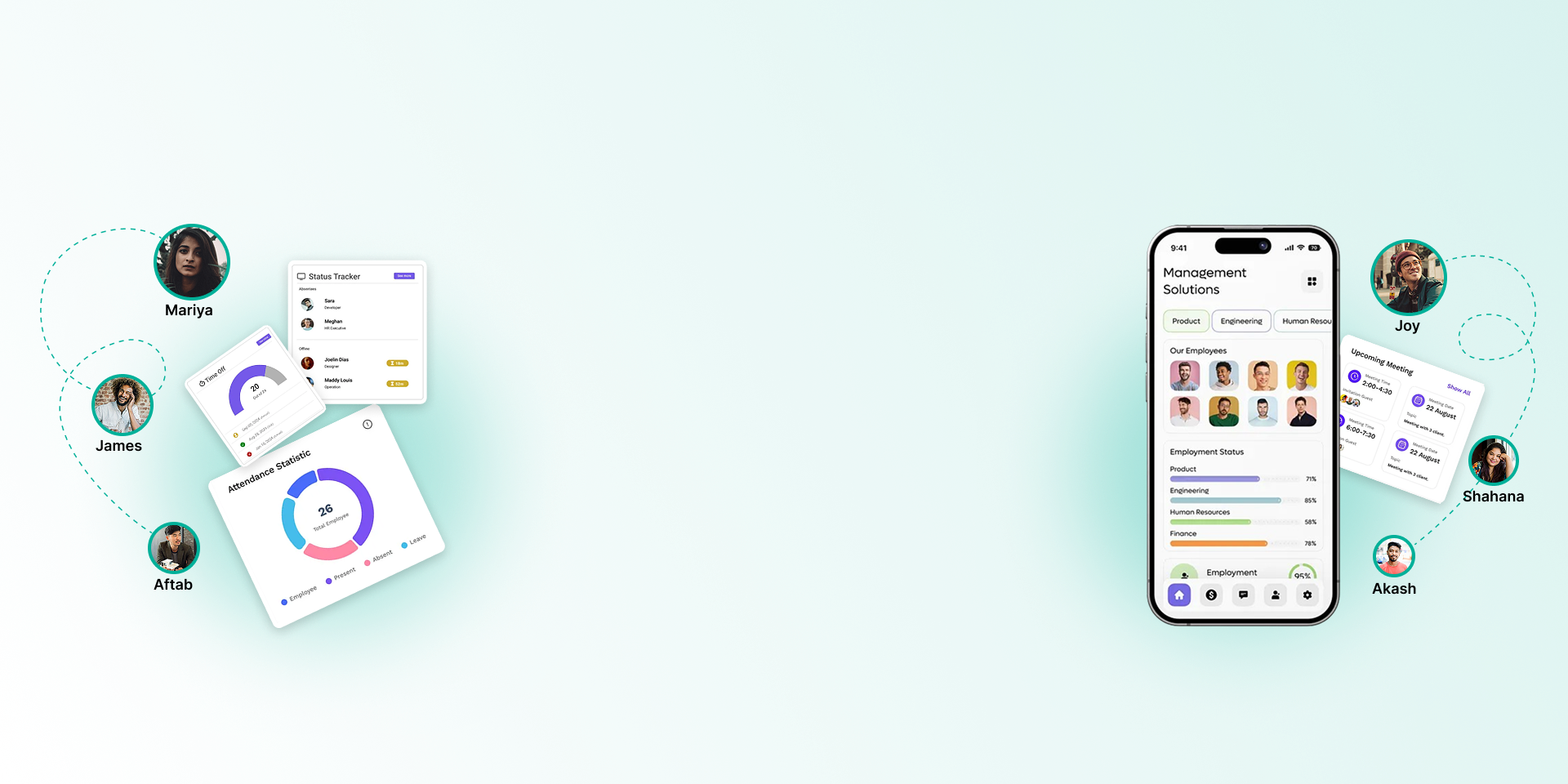
Post announcements to everyone or to chosen roles, keep staff up to date with notifications, and let colleagues message each other inside TeamUp.

Company news where your staff already work
Announcements, notifications and messages live inside the same system staff use for attendance, leave and payslips.
Post to everyone or chosen roles
Write an announcement with the rich-text editor and choose who sees it: the whole company or specific roles.
Staff see what is meant for them
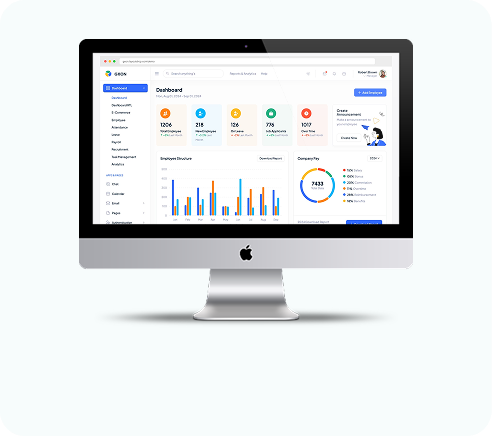
Each employee has a My Announcements view, on the web and in the Android app.
Notified when you publish
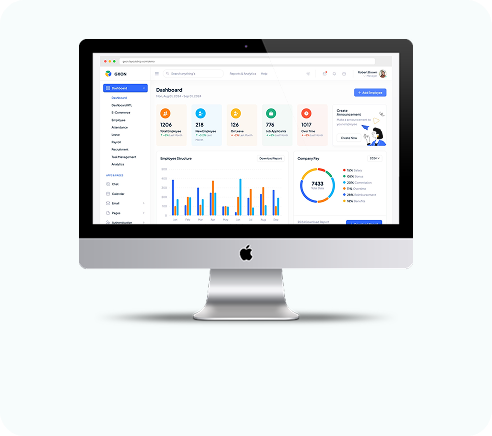
Publishing an announcement sends an in-app notification to everyone in its audience.
Notification bell
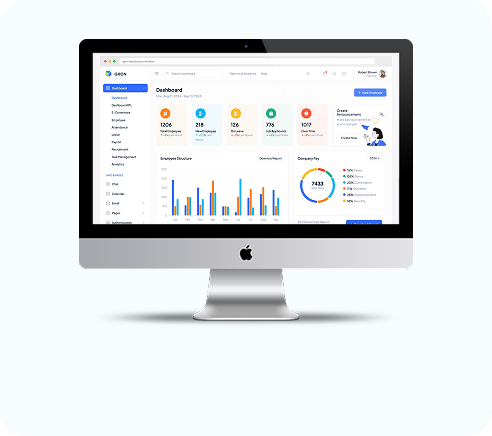
The web app shows new notifications with an unread count, and staff can mark them read one by one or all at once.
Approvals and updates
Leave requests and decisions, settlement requests and expense claims all create notifications for the right people.
Email for leave
Leave requests, approvals and rejections are also sent by email.
Internal messages
Send messages to colleagues with a subject and formatted text, and keep an inbox and sent folder.
Messages on the phone
Employees read and send messages in the Android app, choosing recipients from the staff list.
Notice board questions
Still have questions?
Can't find the answer you're looking for? Talk to one of our product experts today.
You can target announcements by role. Set up roles that match the groups you want to reach.
In My Announcements on the web app, and in the Android app.
Leave requests, approvals and rejections are sent by email. Other notifications appear in the web app.