

APPROVAL WORKFLOWS
FOR EVERY HR REQUEST
Leave, loans, settlements, expenses, transfers and salary sheets each follow a clear approval path, with notifications and a record of who approved what.

The right person approves, every time
No more requests lost in email or on paper.
Manager and HR notified
Every leave request notifies the line manager and HR, in the app and by email.
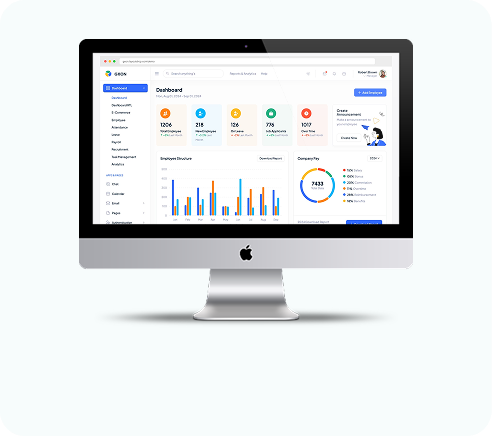
Approve or reject on screen
Approvers decide from their own list, and managers see requests from their team only.
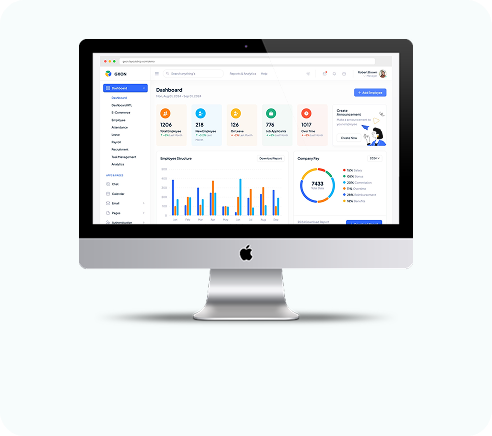
Employee told the outcome
The employee is notified of the decision by email and in the app.
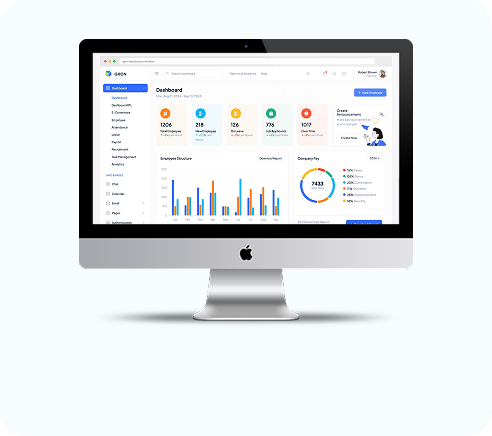
Multi-level approval
Set who approves at each level. A request moves to the next approver only after the previous one signs off.
Approver queues
Each approver has a pending list and a history of what they approved.
Full audit trail
Every loan request keeps its approval history from start to finish.
Line manager, then HR
Settlement requests and expense claims both go to the line manager first and then HR.
Notifications both ways
Approvers are told about new requests, and employees are told when their request moves forward.
Salary sheet approval
Each salary sheet is saved as pending and then approved or cancelled, with who did it recorded.
Transfers
Transfers are approved or cancelled before they take effect.
Provident fund records
PF records go through an approval step before they count.
Approval questions
Still have questions?
Can't find the answer you're looking for? Talk to one of our product experts today.
Yes. You choose the approvers for each level, and the request passes through them in order.
They get an in-app notification, and leave requests are also sent by email. Pending approvals also show on the admin dashboard.
Yes. Line managers see and act on requests from their direct reports.