
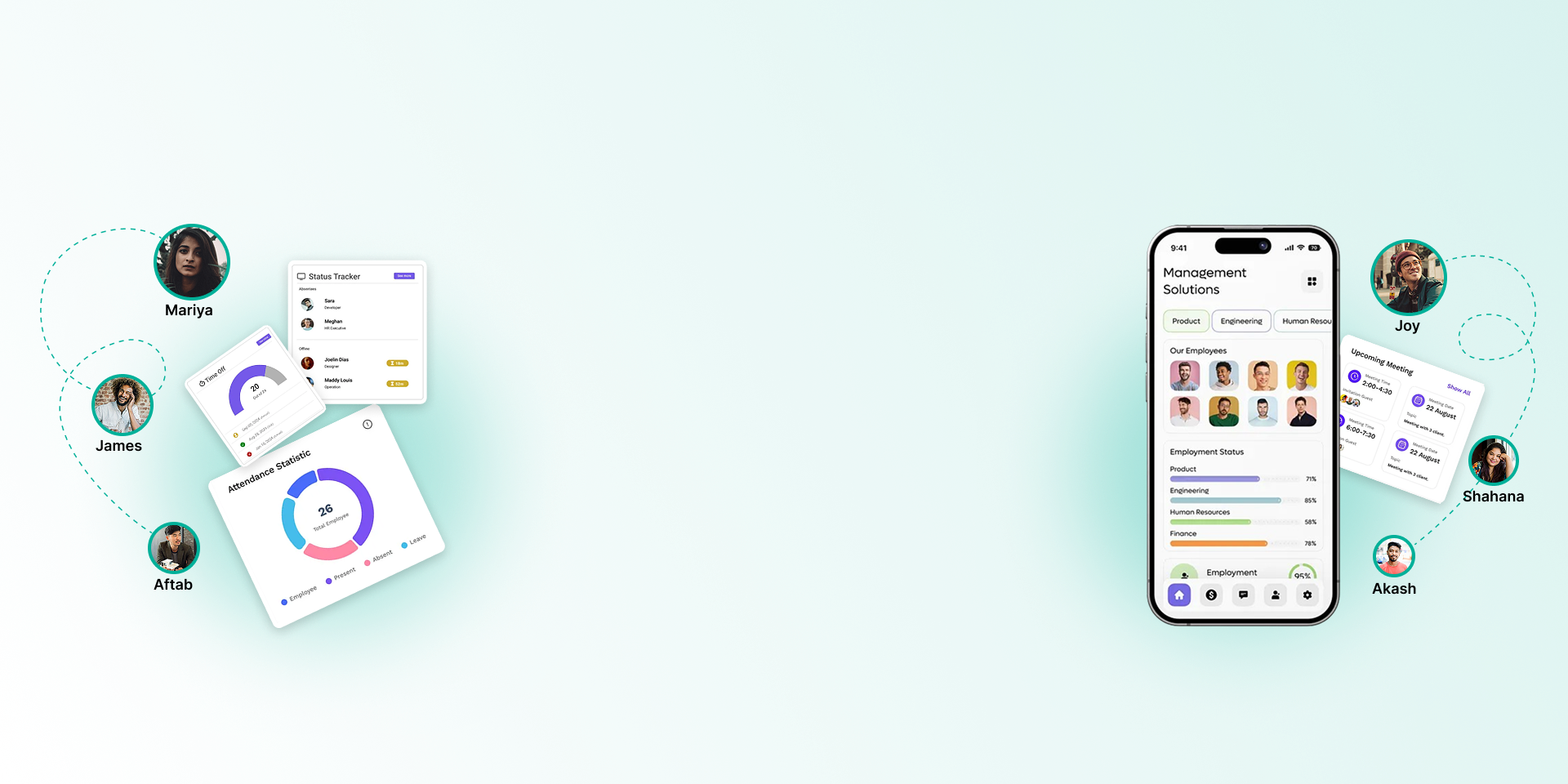
ATTENDANCE MANAGEMENT
FOR OFFICES, SHIFTS AND FIELD TEAMS
Bring fingerprint punches, web check-ins and GPS app check-ins into one daily report, with shifts, rosters and night shifts counted correctly.

Every punch, every shift, one record
Attendance feeds leave and payroll directly, so the numbers HR sees during the month are the numbers on the salary sheet.
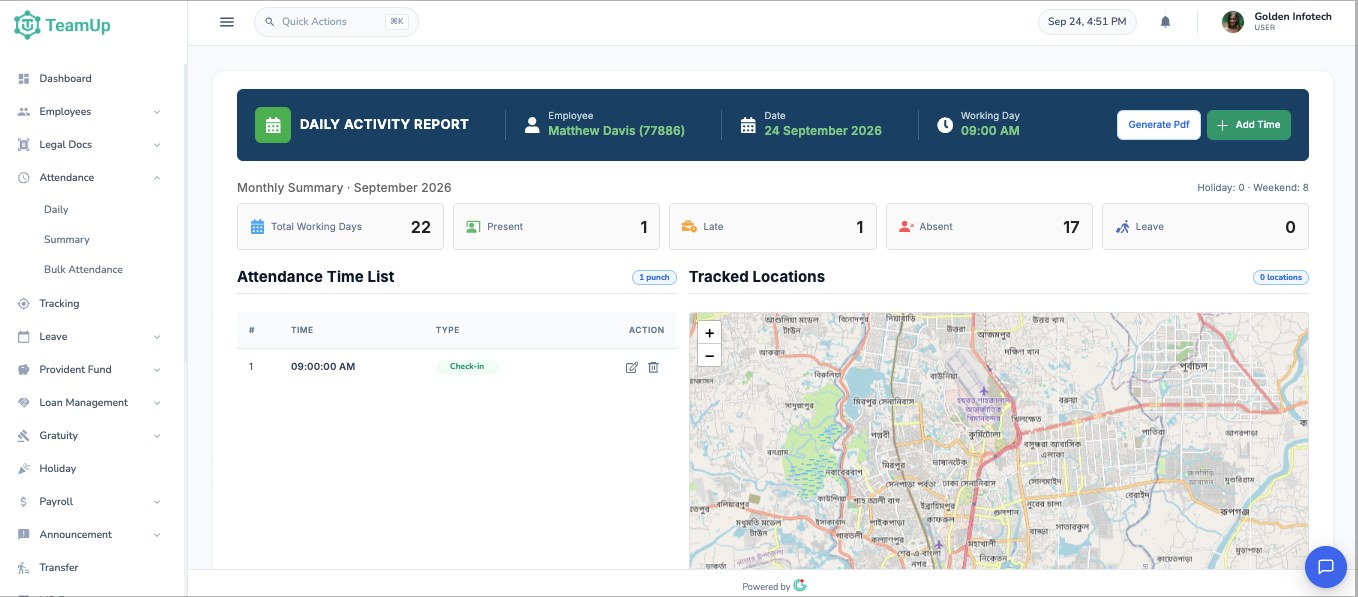
Daily activity report
Every punch for an employee on one screen, marked as check-in or check-out. Correct a punch, add a missing one or download the day as a PDF.
Monthly summary
Working days, present, late, absent and leave days for the month, with holidays and weekends shown separately.
Attendance reports
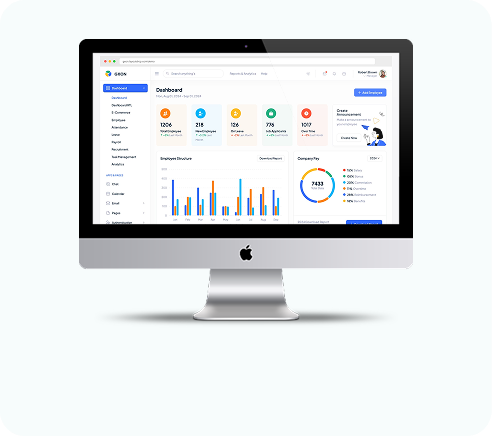
Daily, monthly and summary reports for everyone or for a manager's own team, ready to export to Excel or PDF.
Fingerprint machine upload
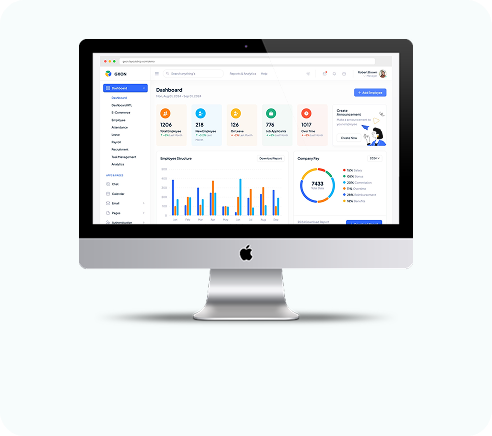
Export the punch file from your machine and upload it. TeamUp matches each device ID to the right employee.
Web check-in
Employees check in and out from the browser, with their location recorded.
Android app
Staff check in with GPS and confirm their position on a map before the punch is saved.
Office shifts by weekday
Set start and end times and the weekend for each day of the week, so Friday and Saturday can differ from other days.
Rosters and night shifts
Give anyone a different shift on any date. A shift from 10 pm to 6 am counts as one working day.
Late and early margins
Grace margins decide who is marked late or early, and your payroll settings decide how late days affect salary.
Attendance questions
Still have questions?
Can't find the answer you're looking for? Talk to one of our product experts today.
Yes. Export the punch file from the machine and upload it to TeamUp. Each device ID is matched to the right employee.
Yes. They can check in from the Android app with GPS, or from the web app in a browser.
Yes. A punch after midnight counts toward the shift that started the evening before.
Yes. Line managers get daily and summary views of their direct reports only.